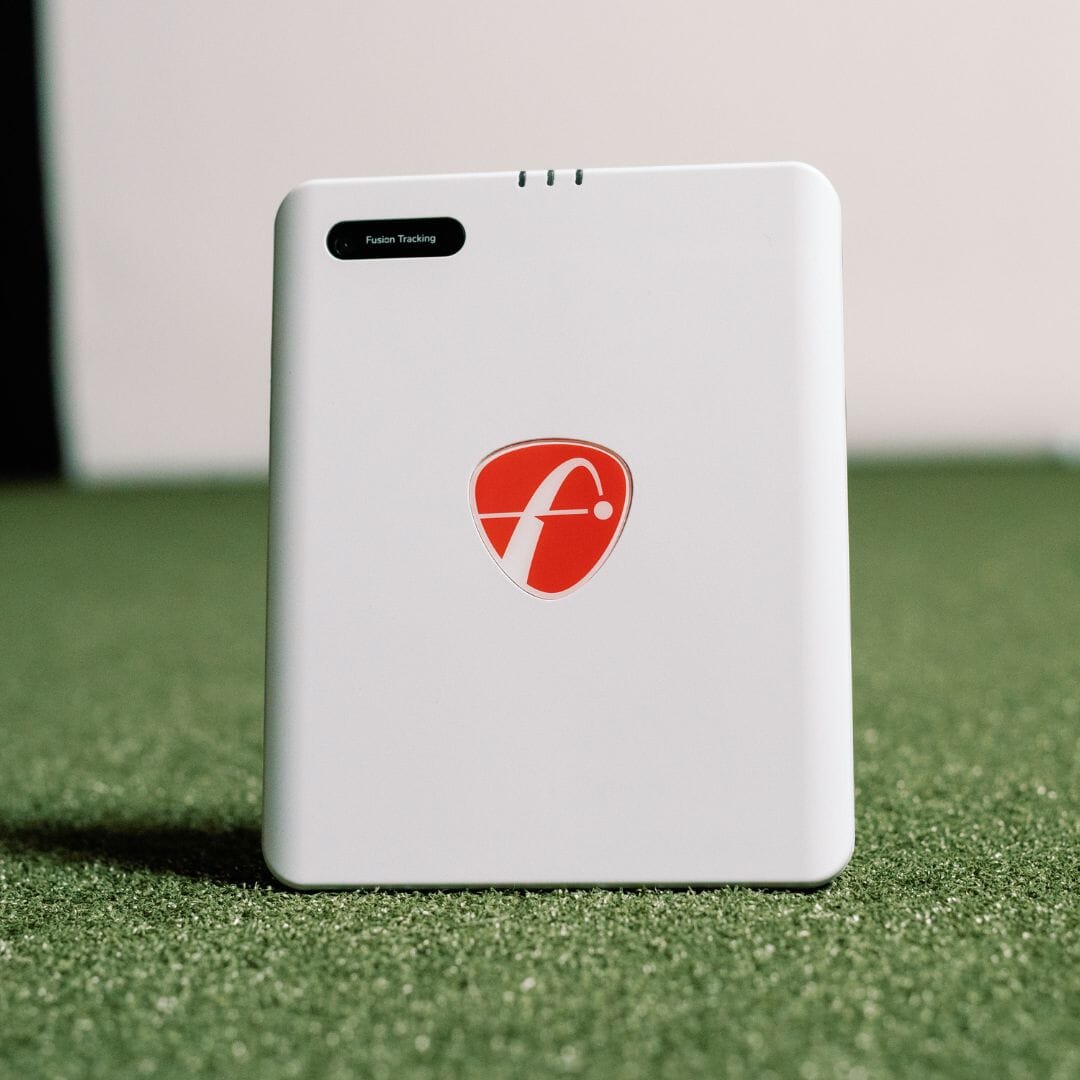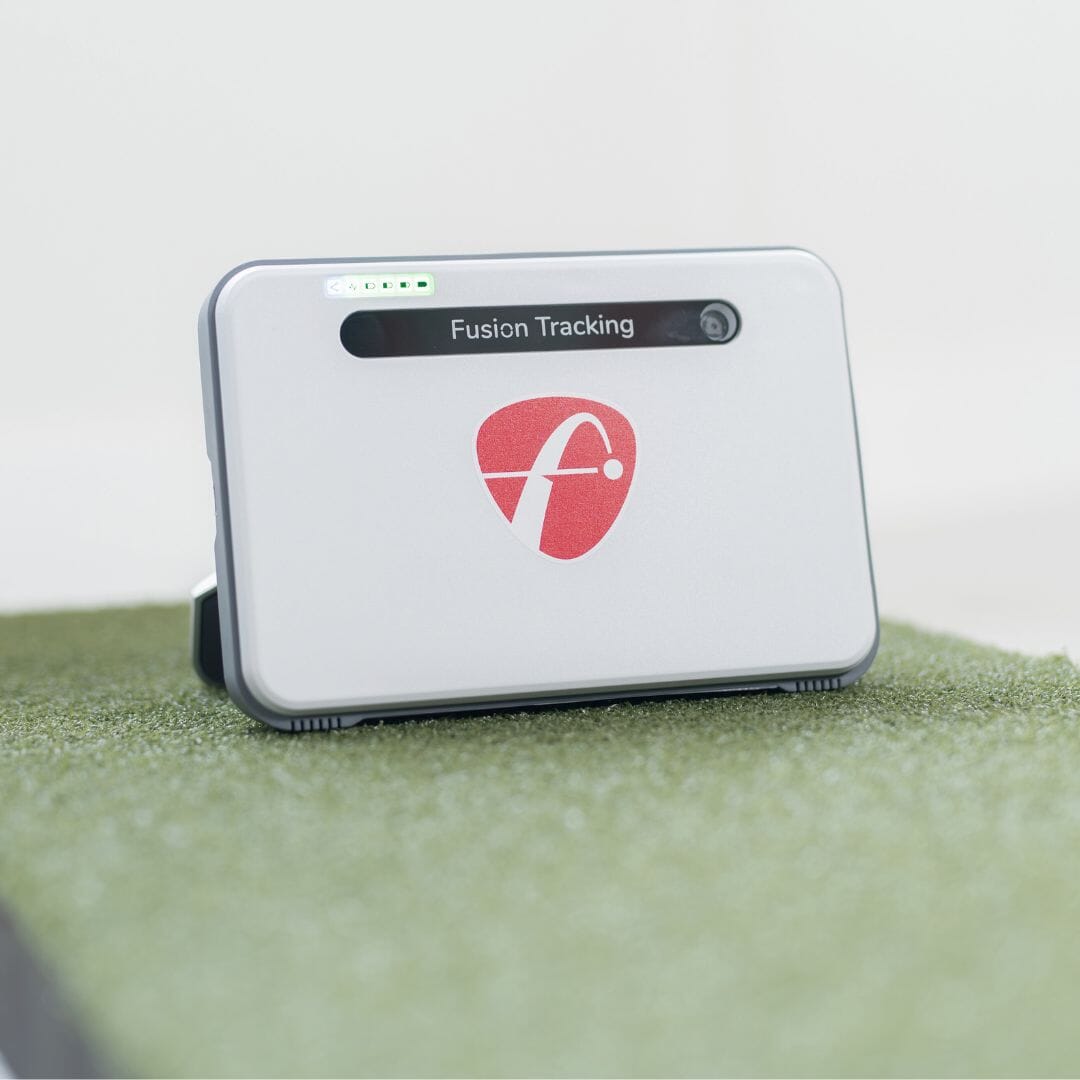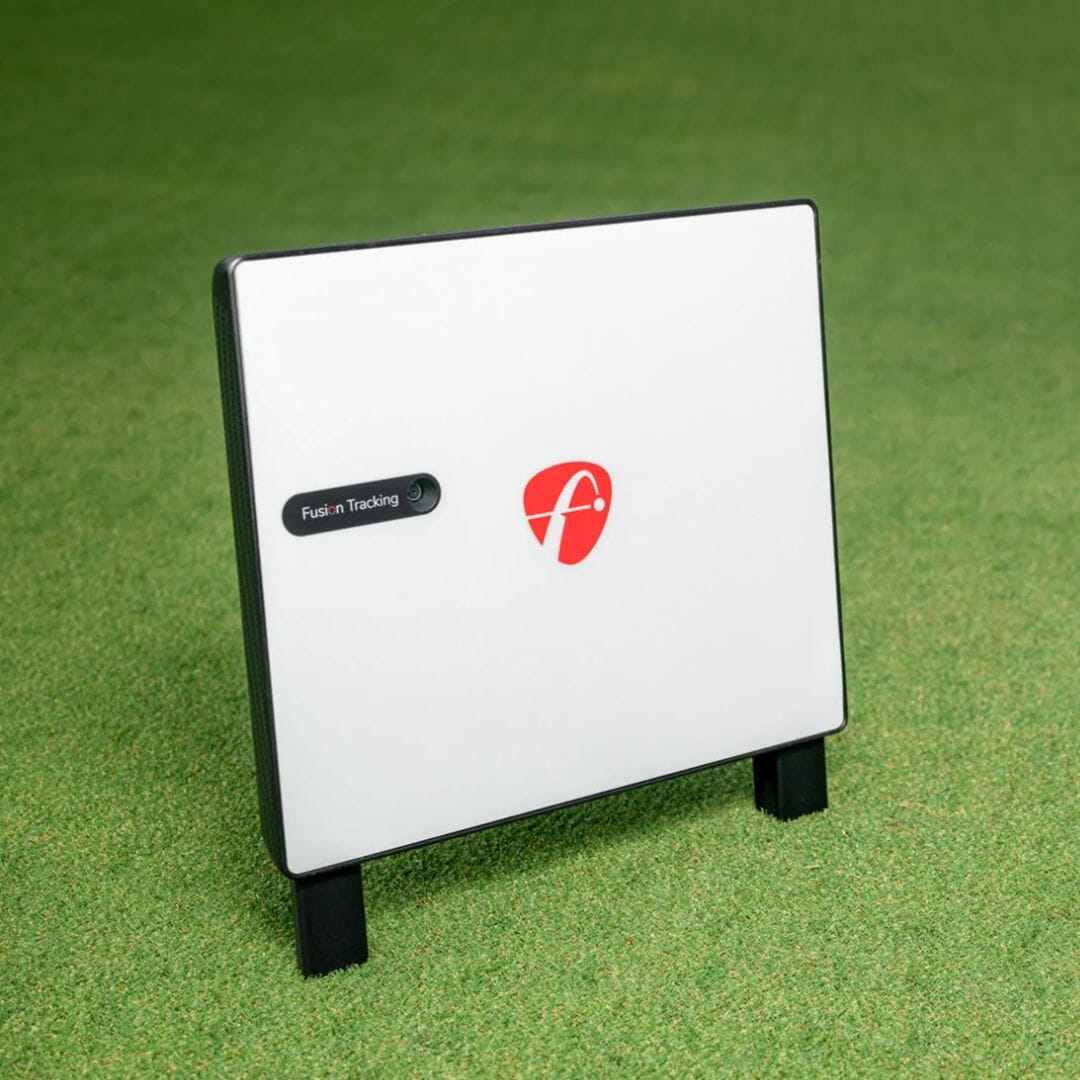
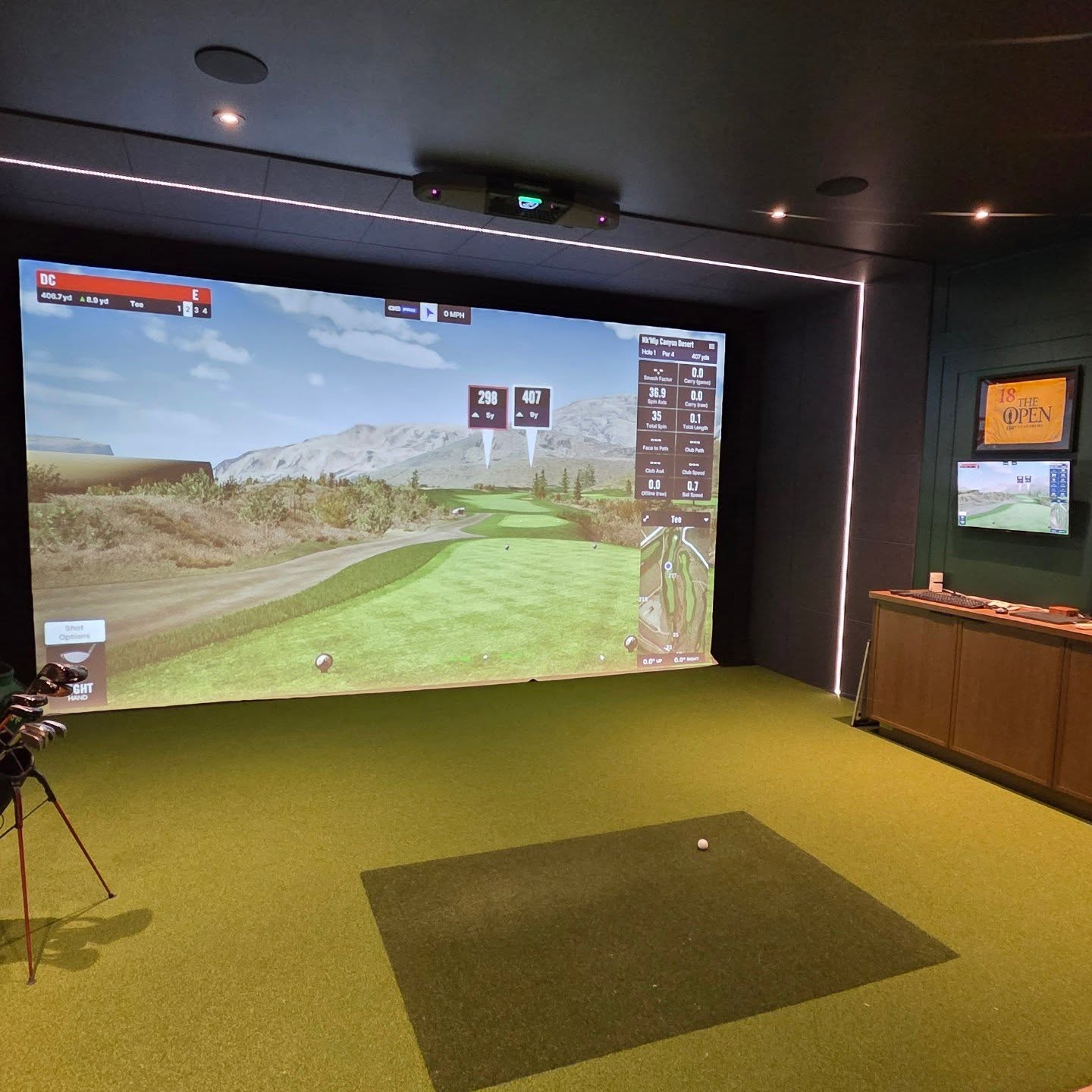
Foresight Sports built its reputation on photometric camera accuracy. The GCQuad and GC3 are the standard reference monitors in professional fitting studios worldwide. The Foresight Falcon brings that same camera-based measurement approach to a more accessible price point, targeting home sim builders and serious practice golfers who want Foresight's accuracy without the full GC3 investment.
Prices were checked at the time of writing and may change. Check the retailer for current pricing.
This coverage draws on manufacturer specifications, published performance data, and what real owners report from using this unit. Foresight Sports is a division of Bushnell Golf, whose accuracy standards are well documented across their product line.
QUICK VERDICT
- Best for: Home sim builders who want Foresight's photometric camera accuracy at an entry price point, with FSX simulation access
- Key strength: Foresight's camera technology delivers precise ball data at impact, the same approach used in the GC3 and GCQuad
- Key weakness: Fewer data parameters than the GC3; full club delivery data requires the GC3 or GCQuad
- Bottom line: A strong entry point into Foresight's ecosystem. If you want accurate ball data and FSX simulation without paying for three-camera full club tracking, the Falcon hits the right balance.
What Foresight Camera Technology Means in Practice
Foresight has used high-speed camera technology since the GC2, their first monitor that set the benchmark for photometric launch monitor accuracy in the mid-2000s. The core concept: high-speed cameras capture the golf ball at and immediately after impact, measuring its spin, speed, and trajectory from actual image data rather than radar inference.
The practical result is that Foresight monitors tend to deliver very consistent spin numbers, particularly on partial shots and wedges where radar monitors sometimes struggle to track spin accurately on slower ball speeds. If your practice includes short game work and not just full driver shots, that consistency matters.
The Falcon brings this camera approach to a lower price bracket, making it accessible to golfers who could not justify GC3 pricing but still want camera-based measurement quality.
Data Coverage
The Falcon measures the core ball parameters that simulation and practice require: ball speed, launch angle, launch direction, backspin, sidespin, total spin, spin axis, carry distance, and total distance.
What it does not measure at the same level as the GC3: detailed club delivery data. The GC3's three-camera system captures club path, face angle, angle of attack, and dynamic loft at impact without additional accessories. The Falcon focuses on ball data, which is what most golfers need for simulation and practice feedback.
For the golfer who primarily wants accurate simulation, shot tracking, and ball speed/spin data for practice, the Falcon covers those needs at a price that makes the investment more approachable.
Software and Simulation
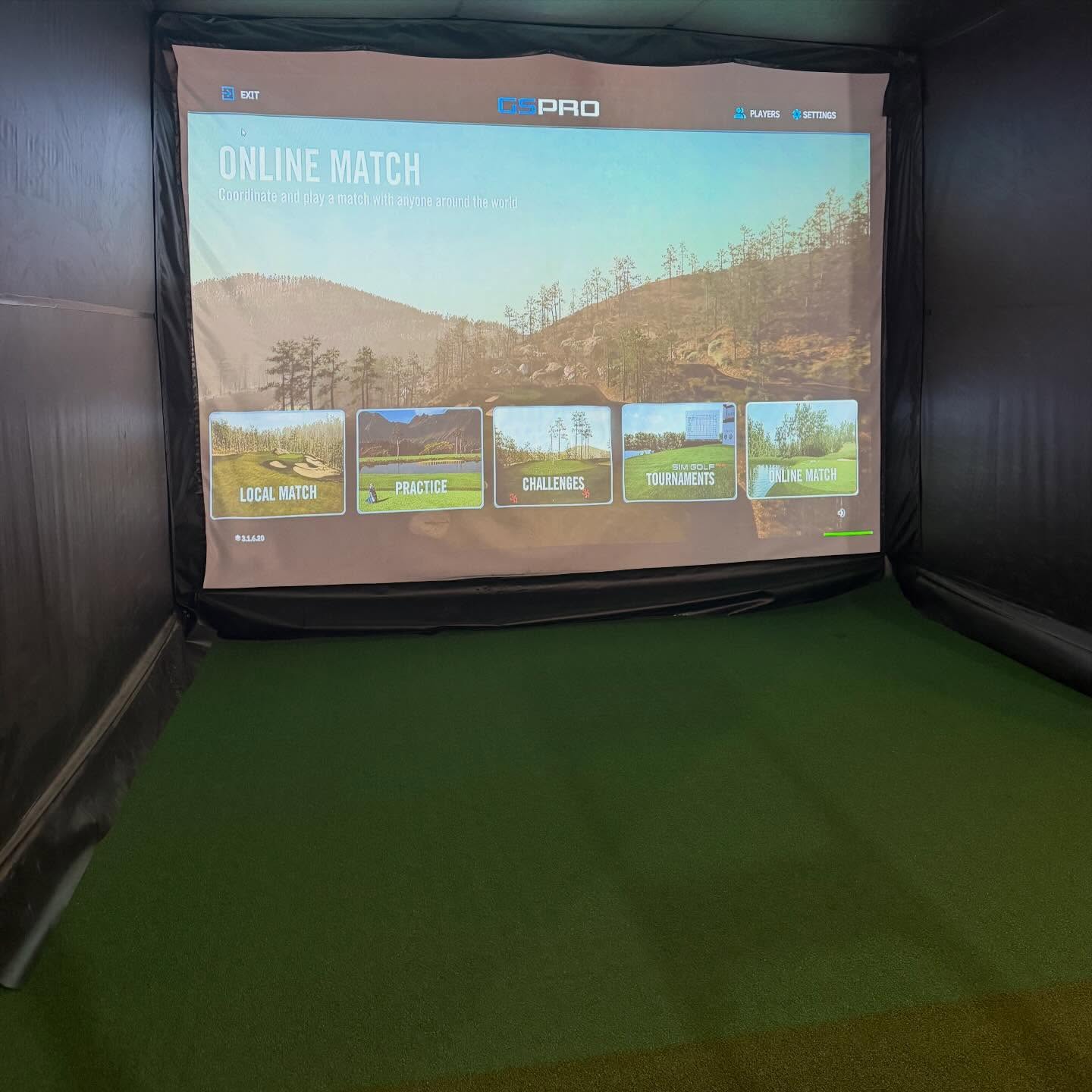
The Falcon integrates with Foresight's FSX simulation platform. FSX gives access to virtual courses and practice environments that Foresight has developed with their broader monitor lineup. The simulation experience is consistent with what GC3 and GCQuad owners use.
Contact Shop Indoor Golf or Foresight directly for current FSX licensing details and what course libraries are included at the Falcon's price point.
How It Compares to the Competition
At its price point, the Falcon competes with radar monitors like the Garmin R50 and hybrid monitors like the SkyTrak ST MAX.
Against the Garmin R50: radar versus camera. Radar works outdoors without placement restrictions. The Falcon uses a camera that requires proper positioning. Indoors in a controlled simulator room, camera measurements tend to be more consistent on spin data for mid-iron and wedge shots. Outdoors, the R50 has the advantage.
Against the SkyTrak ST MAX: both use camera technology. The ST MAX combines camera and radar for more complete tracking. The Falcon stays in Foresight's proven camera-only approach. If you are already invested in Foresight's ecosystem or plan to upgrade to a GC3 later, starting with the Falcon keeps you in one software platform.
Against the Foresight GC3: the GC3 is the upgrade path. It adds two more cameras for full club delivery data and a broader course library. If budget allows, the GC3 is the better long-term investment. If budget is the constraint, the Falcon gives you Foresight accuracy with a plan to upgrade later.
Room and Setup
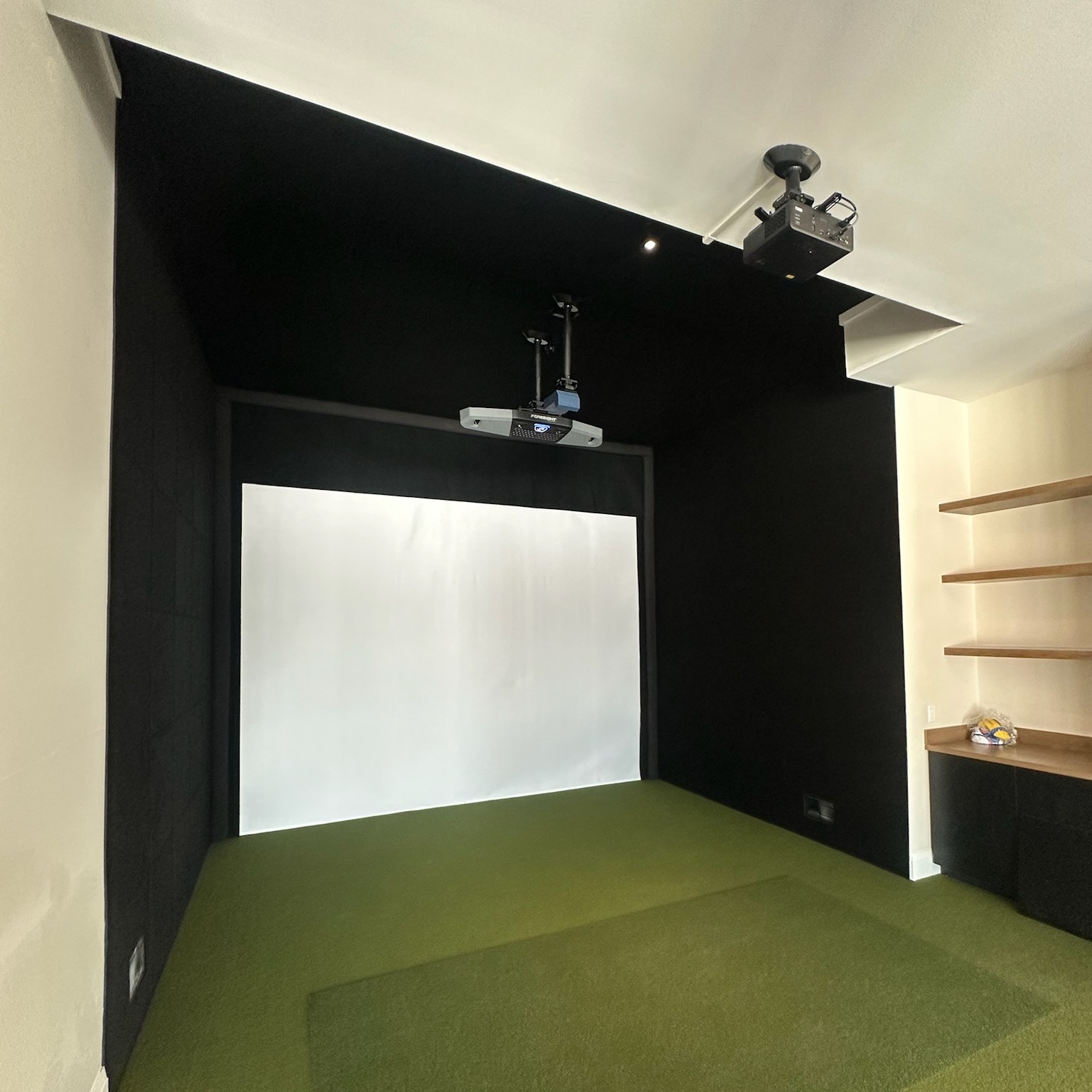
The Falcon is a hitting mat-side camera unit, similar in placement to the GC3. Position it level with the hitting mat, aligned with your target line, and ensure the camera has clear line of sight to the impact zone.
It works in a standard simulator room with proper lighting. Camera monitors perform best under consistent, bright indoor lighting rather than the variable conditions of outdoor use. For a dedicated home simulator room, the Falcon's camera approach works exactly as designed.
Use our room size calculator to verify your space works for a simulator setup before purchasing.
Who Should Buy the Foresight Falcon
The Foresight Falcon is for the golfer who wants accurate ball data from a brand with a proven track record in photometric measurement, at a price that fits a home sim budget without stretching to GC3 territory.
If you are building a home sim and plan to use it primarily for simulation and ball data feedback, the Falcon delivers. If you need full club delivery data for fitting analysis, step up to the GC3. If you need outdoor range use with no camera positioning, a radar monitor is a better fit.
Within its defined lane, the Foresight Falcon does exactly what it promises: Foresight-quality camera data at an entry-level price.
Check Current Price at Shop Indoor Golf
Prices were checked at the time of writing and may change. Check the retailer for current pricing.