Prices were checked at the time of writing and may change. Check the retailer for current pricing.
This coverage draws on manufacturer specifications, published performance data, and what real owners report from using this equipment.
Garages are where most home golf simulators end up, and honestly it makes a lot of sense. You have dedicated space, a durable concrete floor, and you can close the door and swing without bothering anyone. The main things you need to figure out before you buy anything are your ceiling height, your room depth, and what kind of data you actually care about. Get those right and the rest falls into place.
I put together this list of five complete garage golf simulator packages from Shop Indoor Golf. Each one ships as a matched system, so the monitor, enclosure, and screen are already sized to work together. I will walk you through each pick, who it makes the most sense for, and what to watch out for. If you want to run your specific room numbers before you decide, use the room size calculator first.
QUICK VERDICTS
- Best overall garage package: SkyTrak ST Pro. Camera plus radar in one unit, serious accuracy, and a full simulator experience right out of the box.
- Best for Garmin users who want more: Garmin R50. A step up from the R10 with more data parameters and tighter indoor accuracy.
- Best budget starter: Garmin R10. The monitor that brought home golf simulators to the mainstream. Hard to beat at the price.
- Best radar option with software included: FlightScope Mevo Gen2. E6 Connect comes with it and it works at the range too.
- Best for accuracy over everything: Foresight GC2. Two photometric cameras, proven ball data, and a track record that goes back years.
What to Know Before You Buy a Garage Simulator
- Ceiling height: Under 9 feet, overhead monitors are out. Camera-based units beside or behind the ball work at almost any ceiling height. What limits you at low ceilings is your swing arc, not the monitor.
- Room depth: Radar monitors need 7 to 8 feet behind your stance. If your garage is under 18 feet deep, a camera-based side monitor is the cleaner choice.
- What the packages include: Each pack includes the monitor, enclosure, and impact screen. You will still need a projector and PC or tablet — build those into your budget before comparing prices.
1. SkyTrak ST Pro Garage Golf Simulator Package | Best For All-Around Play
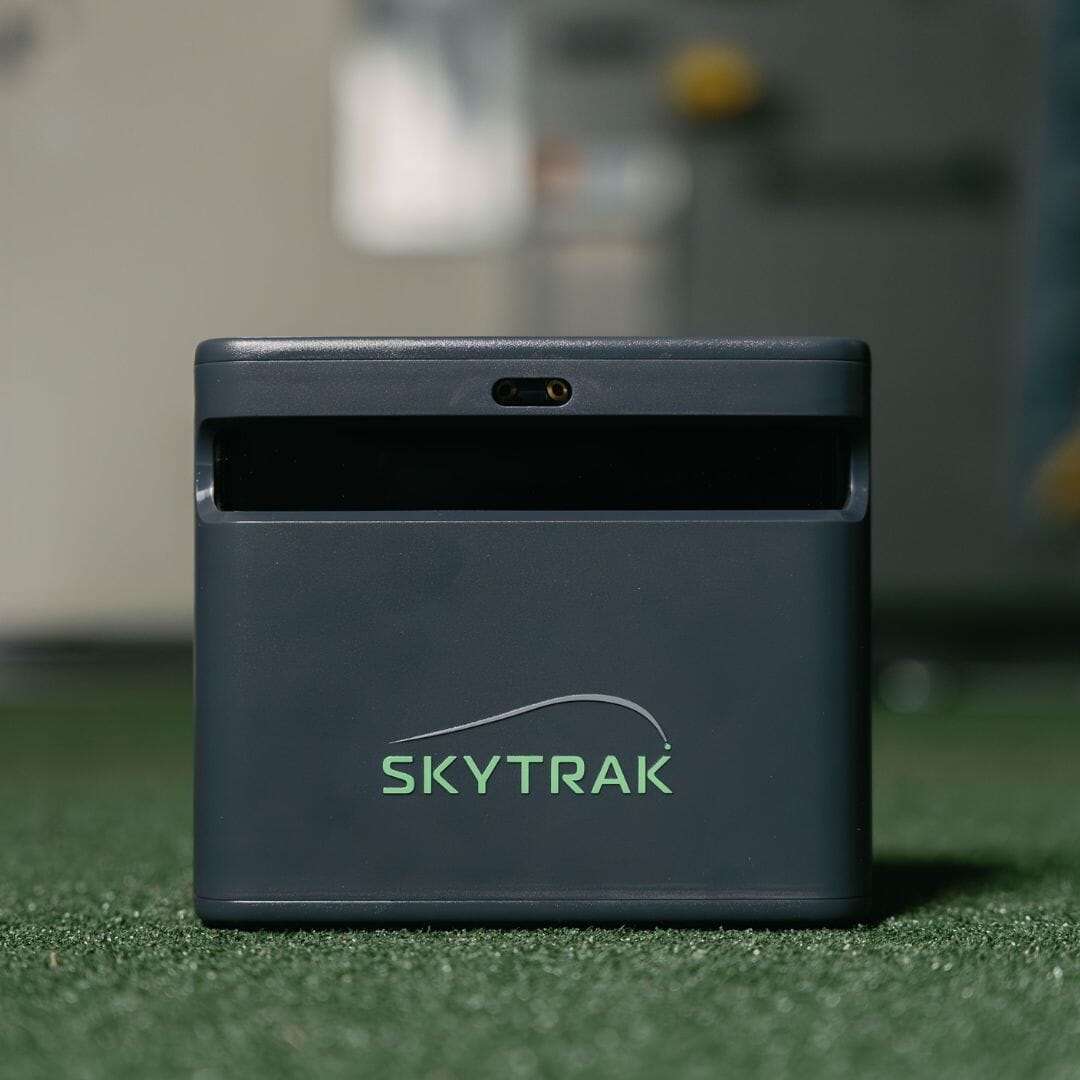
First on my list is the ST Pro from SkyTrak. I think this launch monitor is one of the best things to happen to home golf simulators in recent years. SkyTrak took what made the original SkyTrak so popular, cameras sitting beside the ball at floor level, and upgraded the whole system with radar data layered on top of the photometric capture. That means you are getting ball speed, spin, launch angle, carry, and now full club data: club speed, attack angle, face angle, and club path. That combination at this price point did not exist before this unit.
For a garage setup, the camera-plus-side position works in almost any ceiling height. It does not need overhead clearance the way a ceiling mount does. It does not need 8 feet behind you the way a pure radar unit does. You put it beside the ball, do a quick calibration, and you are playing. The package pairs the ST Pro with an enclosure sized for a garage bay, so you are not trying to figure out if the screen and frame fit your space. They already matched it.
If I am building a garage simulator right now and I have one pick, this is it. The data is accurate enough that it is used in professional instruction. The software ecosystem, SkyTrak's WGT integration and optional Game Improvement Plan, gives you something to actually do with that data. And the complete package takes the guesswork out of sourcing the hardware.
Serious accuracy at any ceiling height, no overhead install needed.
2. Garmin Approach R50 Garage Golf Simulator Package | Best For Garmin Users
Let's say you want something that keeps you in the Garmin ecosystem and gives you a step up from the R10. Then I would point you toward the Garmin Approach R50. Garmin built on what made the R10 so popular, the ease of use, the app integration, the portability, and added more data parameters and improved indoor accuracy. The R50 reads ball and club data, tracks the numbers that matter for real improvement, and pairs with Garmin Golf for session tracking and course play.
What I like about the R50 for a garage setup is that it handles the portability question well. If you want to take it to the range on weekends and use it in the garage during the week, it moves between those two environments without any fuss. A lot of people setting up a garage simulator still want to use their monitor outdoors, and the R50 is designed for that.
The package pairs it with an enclosure built for a standard garage bay. For someone already in the Garmin Golf app and looking to bring that into an indoor setup, this is the natural upgrade path.
Garmin Golf users ready to step up indoors with more data.
3. Garmin Approach R10 Garage Golf Simulator Package | Best For Budget Builds
Third on the list is the monitor that made home golf simulators accessible to golfers who were not already spending thousands on a launch monitor. The Garmin Approach R10 changed what a $600 launch monitor could do, and it still holds up. Radar-based Doppler technology, 10 ball flight parameters, and access to E6 Connect for virtual course play through a Garmin Golf subscription. For a first garage simulator, the R10 is the starting point I would recommend to most people.
The honest trade-off: the R10 sits behind the ball and needs about 6 to 7 feet of space behind your stance. In a garage that is at least 18 to 20 feet deep, that is completely workable. If you are in a shallow single-car garage, that depth math gets tighter. The other thing to know is that radar units can be less consistent indoors versus outdoors, particularly with slower swing speeds. For most recreational golfers swinging at normal speed, the data is solid and useful.
As a package, the R10 paired with a garage enclosure is probably the most affordable complete simulator setup you can build that actually plays like a real simulator. The R10's strength is that it leaves money in the budget for a quality enclosure and projector, so your whole setup is better instead of spending it all on the monitor.
First-time builds with budget left over for a good enclosure and projector.
4. FlightScope Mevo Gen2 Garage Golf Simulator Package | Best For E6 Connect
Fourth on my list is the FlightScope Mevo Gen2. The main reason I love this one for a garage setup is that E6 Connect comes included. With most monitors you are buying the hardware and then figuring out the software separately. With the Mevo Gen2, the E6 subscription is bundled, so from day one you are playing full virtual courses on a decent library of content without an extra purchase. For someone whose priority is actually playing golf virtually rather than deep data analysis, that matters.
The Mevo Gen2 is a 3D Doppler radar unit that tracks 16 data parameters including ball speed, spin, launch angle, carry, side spin, and several club parameters when you use the optional metallic stickers on the face. No stickers means you still get ball flight data, which is enough for most players. For a garage setup, the same depth consideration applies as with the R10: you want 7 to 8 feet behind your stance. In a standard two-car garage that is not an issue at all.
What the Mevo Gen2 does better than the R10 is overall data consistency and the ability to use it in a wider range of conditions. It also works outdoors at the range without any setup changes, which makes it the right pick if you are going to move it around.
E6 Connect included from day one, works indoors and at the range.
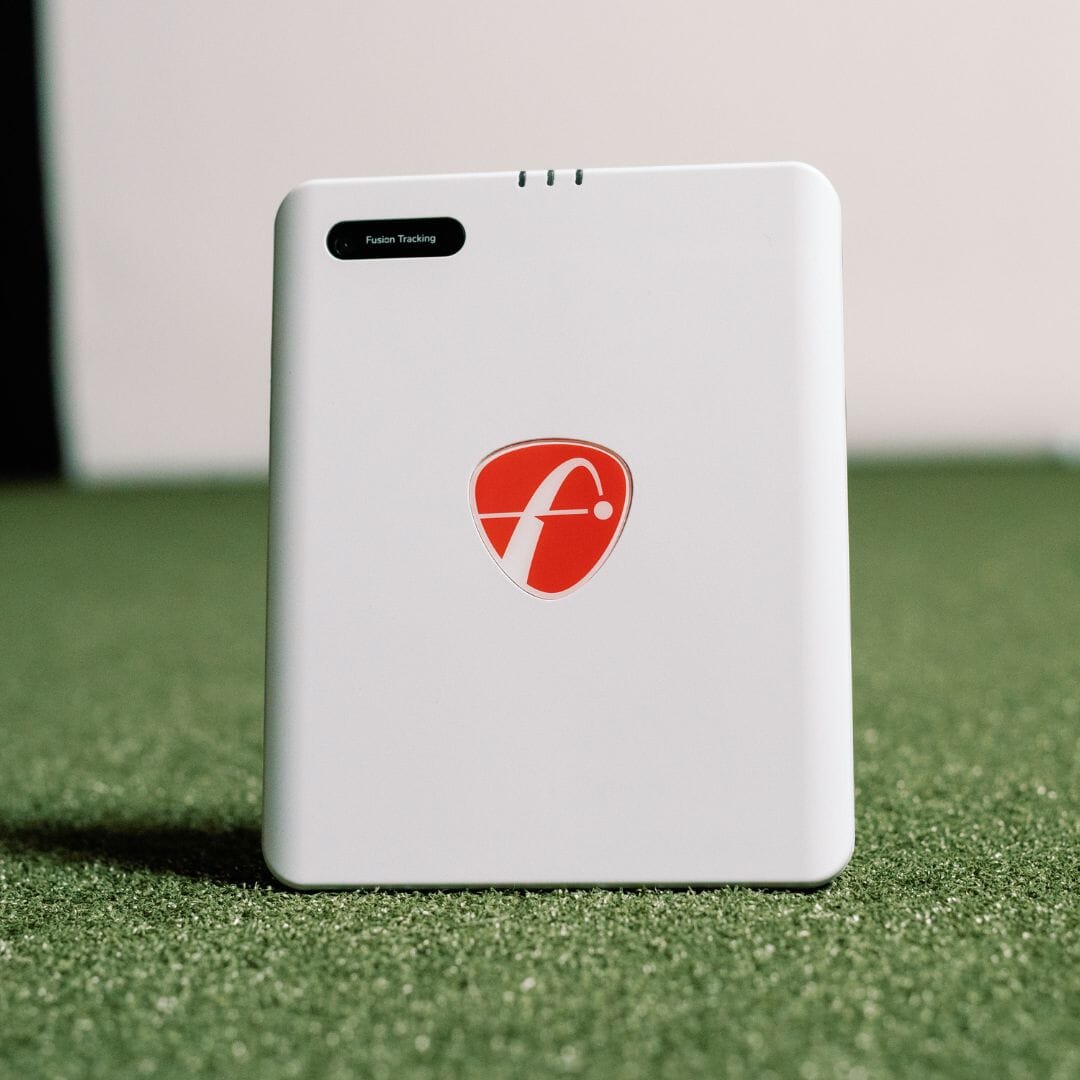
5. Foresight Sports GC2 Garage Golf Simulator Package | Best For Ball Accuracy
Fifth on the list is the Foresight GC2, and I want to be clear about why it is here. The GC2 is not Foresight's newest monitor. That would be the GC3 or the Falcon. But the GC2 has a track record that most newer monitors at this price range cannot match. Photometric cameras, two of them, positioned to capture ball data at the moment of impact. No radar, no waiting for ball flight to register. The measurement happens at impact, which makes it extremely consistent indoors regardless of your room depth or how the ball travels after it leaves the face.
The honest trade-off with the GC2 is club data. Without the HMT add-on, the GC2 gives you ball data only: ball speed, spin axis, spin rate, launch angle, and carry. That ball data is extremely accurate, which is what coaches and clubfitters have used this unit for over the years. But if you want club speed, attack angle, and face angle built in, you would need the HMT accessory or should look at the GC3 instead.
For a garage setup, the GC2 sits beside the ball at floor level, so ceiling height is not a constraint at all. It works in an 8-foot ceiling garage the same as a 10-foot ceiling. The photometric measurement is also completely unaffected by the indoor environment, which is part of why instruction pros trust it. If what you care about most is clean, reliable ball data and you want a monitor with years of real-world use behind it, the GC2 package is the pick.
Ball data accuracy above everything else, any ceiling height.
Making Your Garage Simulator Work Year-Round
- Temperature: Garages are not climate-controlled. A portable electric heater works for occasional winter use. A mini-split is the right call if you want to use the simulator regularly through cold months — this upgrade makes more difference to actual usage than almost any equipment choice.
- Electrical: A simulator setup draws power for the projector, monitor, and any lighting or heating. For a simulator with a heater, running a dedicated 20 amp circuit from the panel is a reasonable investment. Tripped breakers mid-round get old fast.
- Projector light control: A garage with large windows or gaps in the door seal lets in enough ambient light to wash out the projected image at certain times of day. Plan for this with blackout curtains, door weather stripping, or a high-lumen projector rated for the room size.
Frequently Asked Questions
What is the minimum ceiling height for a garage golf simulator?
Nine feet is the practical minimum for full iron swings for most golfers. At 8 feet, iron and wedge practice is possible but driver swings are unsafe for most people. The camera-based monitors on this list, the ST Pro, GC2, R10, and Mevo Gen2, all sit beside or behind the ball at floor level, so they work in lower ceilings. What changes at 8 feet is not the monitor but whether you can swing safely. Use the room size calculator for a personalized clearance check based on your height.
Do the packages include everything I need?
Each package includes the launch monitor, a matched enclosure, and an impact screen. What is typically not included: the projector and the PC or tablet to run the simulation software. Some packages specify a compatible projector option. Build those into your budget before comparing package prices.
Can I use a garage simulator monitor outdoors at the range?
The Garmin R10, Garmin R50, and FlightScope Mevo Gen2 all work outdoors at the driving range with no setup changes. The SkyTrak ST Pro and Foresight GC2 are primarily designed for indoor use. If outdoor portability matters to you, stick with one of the Garmin or Mevo packages.
How much room do radar monitors need behind the golfer?
The Garmin R10 and FlightScope Mevo Gen2 both need approximately 6 to 8 feet of space behind your stance. In a standard two-car garage that is 20 to 24 feet deep, that is comfortable. In a shallower single-car garage, that depth gets tight. If your room is under 18 feet deep, a camera-based side monitor like the ST Pro or GC2 is the cleaner choice.